A Visualping alternative you pay for once
Visualping checks pages from its servers and sells those checks in monthly bundles. Deskwatcher checks from your own Windows PC, so there is no quota and no subscription. Here is where each one is the better tool.
The short version
- Visualping runs in the cloud. It keeps checking while your computer is off, compares screenshots as well as text, and works from any device. You pay for a number of checks each month.
- Deskwatcher is a Windows app. It checks from your own PC, so nobody counts the checks, and you pay $29 once. It only checks while the PC is on, and it compares text only.
- If you watch a few pages often from a PC that is on most of the day, Deskwatcher costs less. If you need checks around the clock or a visual comparison, stay with Visualping.
What Visualping charges
These are the personal plans on Visualping’s pricing page as we read it on November 29, 2026. Business plans cost more and are left out here.
| Plan | Price | What you get |
|---|---|---|
| Visualping Free | $0 | 150 checks a month, 5 pages, every 60 minutes at the shortest |
| Visualping Personal 1K | $14 a month, or $120 a year | 1,000 checks a month, 10 pages, every 15 minutes at the shortest |
| Visualping Personal 5K | $35 a month | 5,000 checks a month, every 5 minutes at the shortest |
| Deskwatcher | $29 once | No check quota, every 5 minutes at the shortest, on 2 PCs. Free for 3 watches. |
Why the check count matters
A check is one visit to one page. Watching a single page every 5 minutes for a month takes 8,640 checks. Visualping Personal 1K includes 1,000, which is about 3 checks a day for each of its 10 pages. Visualping’s pricing page says that when the checks run out, monitoring pauses until the next month or an upgrade.
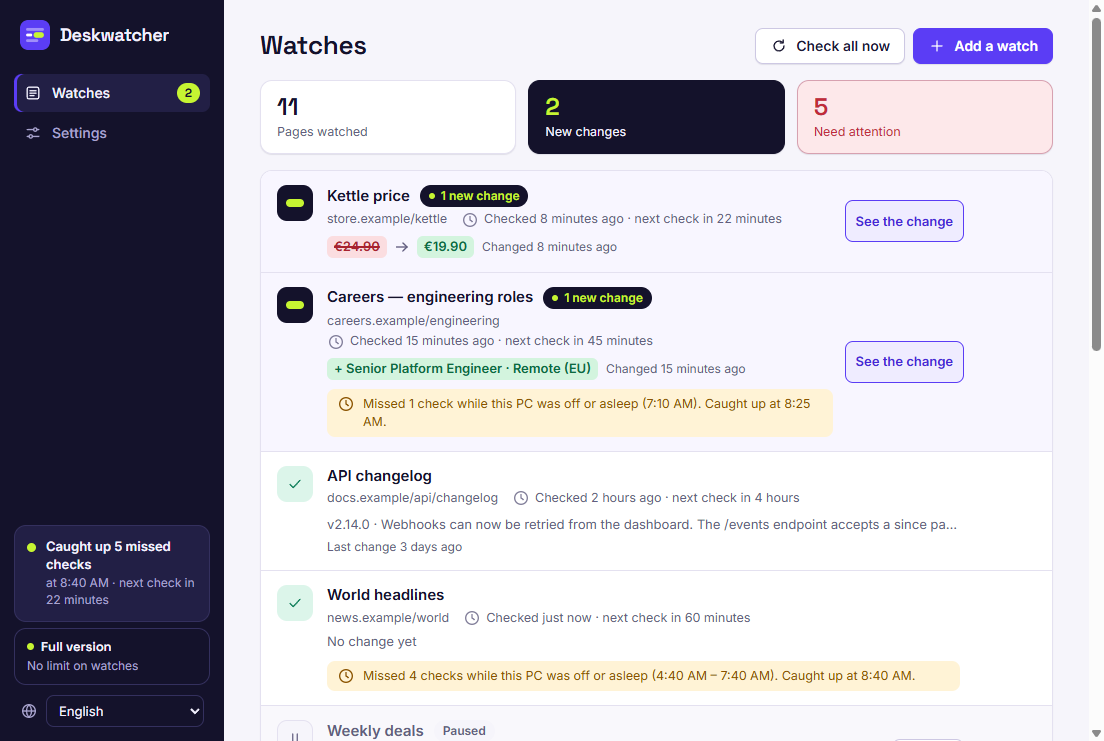
Deskwatcher has no such number, because the checks come from your PC and cost us nothing. The honest other side: your PC has to be on. When it was off or asleep, Deskwatcher runs the missed checks as soon as it is back and shows how many it missed.
Where Visualping is the better tool
- Your computer is off a lot. Visualping checks from its own servers at any hour. Deskwatcher cannot wake a sleeping PC.
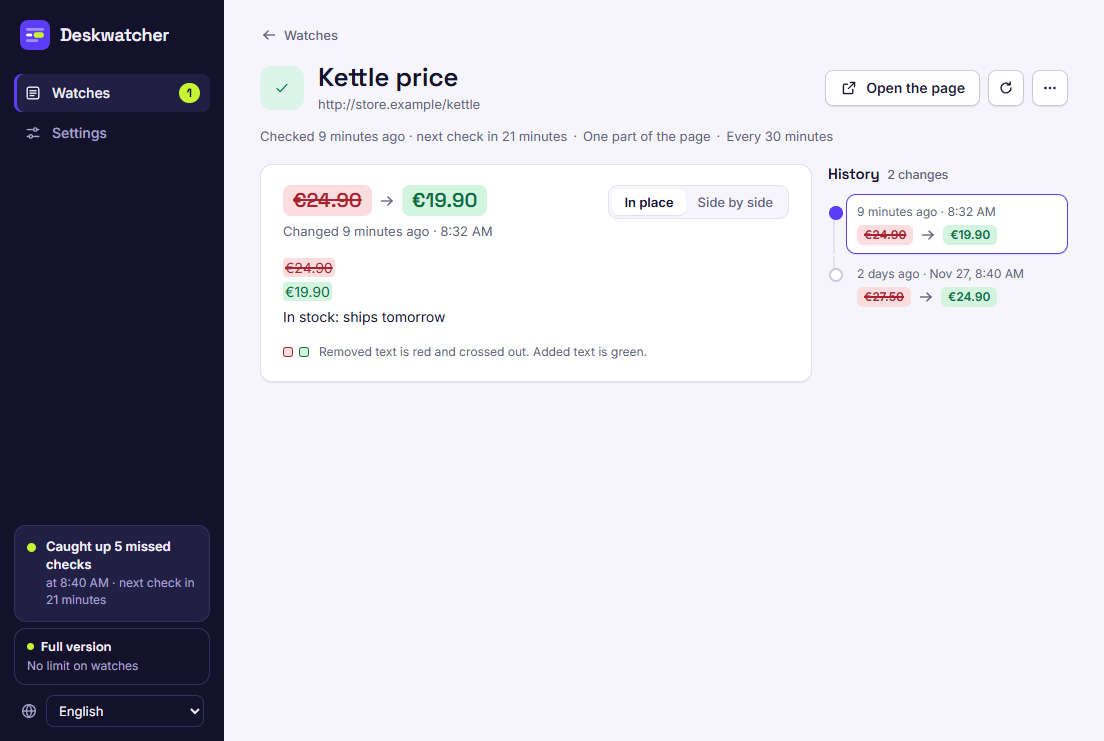
- You need a visual comparison. Visualping compares screenshots. Deskwatcher compares the words in the part you picked, so a changed image goes unnoticed.
- You are not on Windows. Visualping runs in a browser. Deskwatcher needs Windows 10 / 11 (64-bit).
- You work in a team. Visualping has shared workspaces and many alert channels. Deskwatcher alerts with a Windows notification on that PC, or a webhook.
- The page is behind a sign-in. Visualping’s pricing page describes local monitors in its Chrome extension that check with the session you are signed in to. Deskwatcher does not sign in anywhere.
Where Deskwatcher is the better tool
- You check often. Every 5 minutes on as many pages as you like, without doing sums about a quota.
- You would rather pay once. $29 against $120 a year for Visualping Personal 1K. Over three years that is $29 against $360.
- You want it on your own machine. The watch list and the text it compares stay in a folder on your PC. There is no account to create.
- You want to know when a watch breaks. If the part you picked disappears from the page, the watch shows an error. It never reports a calm “no change”.
Trying it next to Visualping
- Install Deskwatcher and paste the address of one page you already watch.
- Click the part of the page you care about, and pick how often to check.
- Leave both running for a week and compare what each one told you.
The free version covers 3 watches with every feature and no time limit, so the trial costs nothing.